What is the best way to log chemical readings at every pool stop?
How to record water readings and dosing fast so your history is accurate and your customers have proof.
Record free chlorine, pH, alkalinity, and stabilizer along with the products and amounts you added, right at the pool. Use a mobile app or a consistent paper sheet with the same fields every time. Logging on site, not from memory, keeps the history accurate and gives customers proof of service.
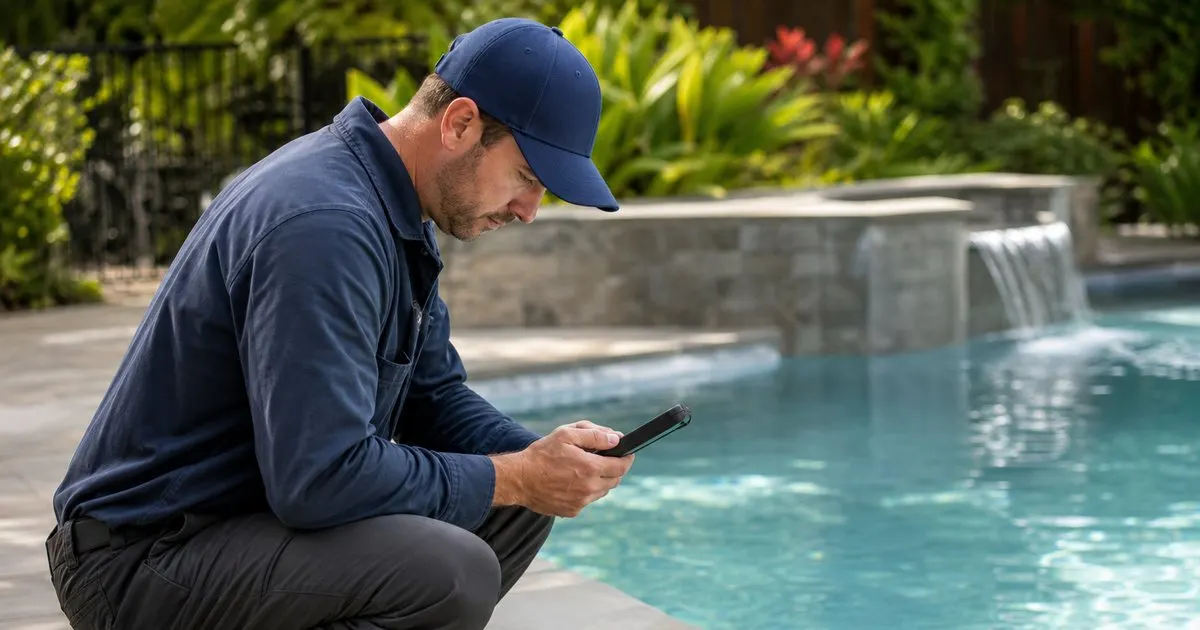
Log while you are standing at the pool
The best readings are recorded at the water's edge, the moment you take them. A tech who tries to remember eight pools worth of numbers until the truck will blend them together and guess. A fast entry at the pool captures the real reading before it fades.
Speed is what makes the habit stick. If logging a full panel takes two minutes of typing, techs will skip it on a busy day. It has to be quick enough that recording is easier than not recording.
Keep reading: How do you balance pool water chemistry on a weekly service route?, Why does free chlorine keep dropping between weekly pool service visits?, When should you shock a residential pool during the peak swim season?. See how PoolTendr helps you pool service route scheduling and chemical logs.
Capture readings and the dose together
A reading alone is half the story. Record what you measured and what you added: the free chlorine you found and the chlorine you dosed, the pH and the acid you added. Together they explain what happened at the pool and let the next tech understand the water's trajectory. Related: Why does free chlorine keep dropping between weekly pool service visits?
Recording the dose also protects you. If a pool has a problem, you can show exactly what was added and rule out over- or under-dosing, which turns a finger-pointing conversation into a factual one. Related: How much chlorine does a green pool need to clear up quickly?
Standardize so every tech logs the same
On a multi-tech route, inconsistent logging is nearly useless. One tech records a full panel and another writes 'looked fine,' and the pool's history has holes. A standard set of fields that everyone fills the same way makes the record trustworthy no matter who serviced the pool. Related: Which chemicals should a pool technician carry on a daily service route?
Consistency also makes coverage easy. When a tech is out, whoever covers the route can read a clean, uniform history and know exactly where each pool stands.
Keep it on the pool and shareable
Readings gain their value when they live on the pool's own timeline and can be shown to the customer. A homeowner who sees a season of balanced readings, with a photo of clear water, trusts the service and stops second-guessing the bill. Related: How do you balance pool water chemistry on a weekly service route?
PoolTendr records the full panel and dose in seconds, files it on the pool, and lets you share that history with the customer, so your logging habit doubles as proof of service every single week.
- Record readings at the pool, not from memory later.
- Log what you measured and what you dosed together.
- Standardize fields so every tech logs the same way.
- Keep the log on the pool and shareable with customers.

Julien Jimenez
Julien Jimenez is an independent software builder based in Paris. He designs, ships, and operates focused SaaS products for small businesses and independent professionals. Read the full author page.
Frequently asked questions
Should you photograph readings or dosing?
A quick photo of the test result or the pool can strengthen your record and reassure customers, but it does not replace logging the actual numbers. Capture both when a reading is unusual or a customer has raised concerns.
What is the benefit of digital logs over paper?
Digital logs are searchable, timestamped, and easy to share with customers, and they let you spot trends across visits. Paper works, but it is slower to review and easier to lose.
Every Pool, Every Reading, On Route
Pool service route scheduling and chemical logs. PoolTendr is built to help you put this into practice.
Start free trialMore from the PoolTendr blog
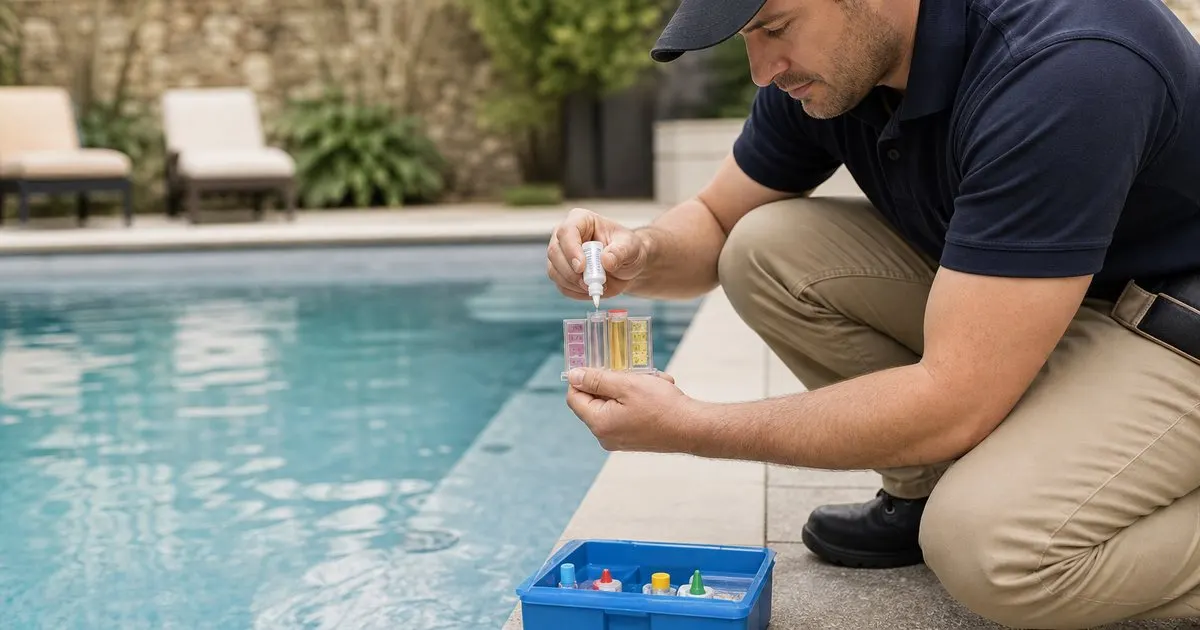
How do you balance pool water chemistry on a weekly service route?
Why does free chlorine keep dropping between weekly pool service visits?
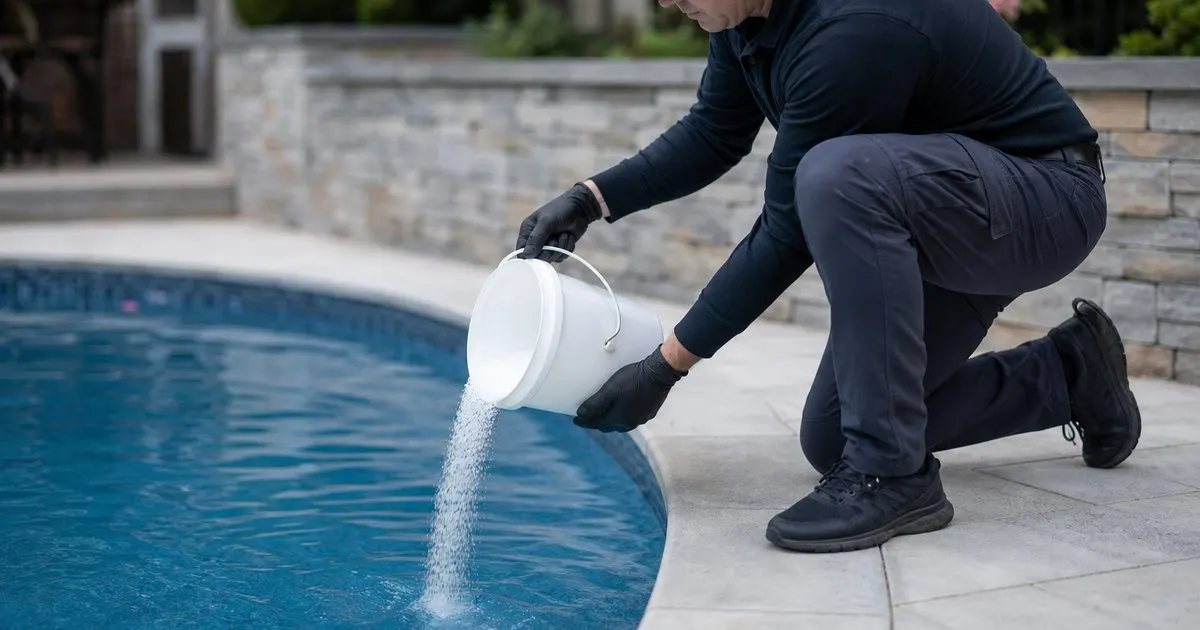
When should you shock a residential pool during the peak swim season?
Get the PoolTendr playbook
Practical guides on pool service software, straight to your inbox as we publish them. No spam, unsubscribe any time.