What should a weekly pool service report include so homeowners actually read it?
A report that gets read builds trust and prevents callbacks. Here is what to put in, what to leave out, and how to keep it to a thirty-second read.

Lead with what changed, not with a data dump
Homeowners do not want to learn pool chemistry from a weekly email. They want to know that someone came, the pool is fine, and whether they need to do anything. The first line of the report should answer those three things in one breath: serviced today at a stated time, water balanced and clear, no action needed. If something needs their attention, that replaces the third part, in plain language: the pump is making a grinding noise, we recommend a bearing check, quote attached. Related: How do you balance pool water chemistry on a weekly service route?
Everything after that first line is supporting detail. Readings, doses, and tasks belong in the report, but below the summary, and formatted so they can be skimmed. A report that opens with a table of six numbers gets archived unread. A report that opens with one clear sentence gets read every week, and the customer will scroll to the numbers only when they care, which is exactly the behavior you want.
Keep reading: How do you balance pool water chemistry on a weekly service route?, What is the best way to log chemical readings at every pool stop?, Why does free chlorine keep dropping between weekly pool service visits?. See how PoolTendr helps you pool service route scheduling and chemical logs.
Show the water, not just the numbers
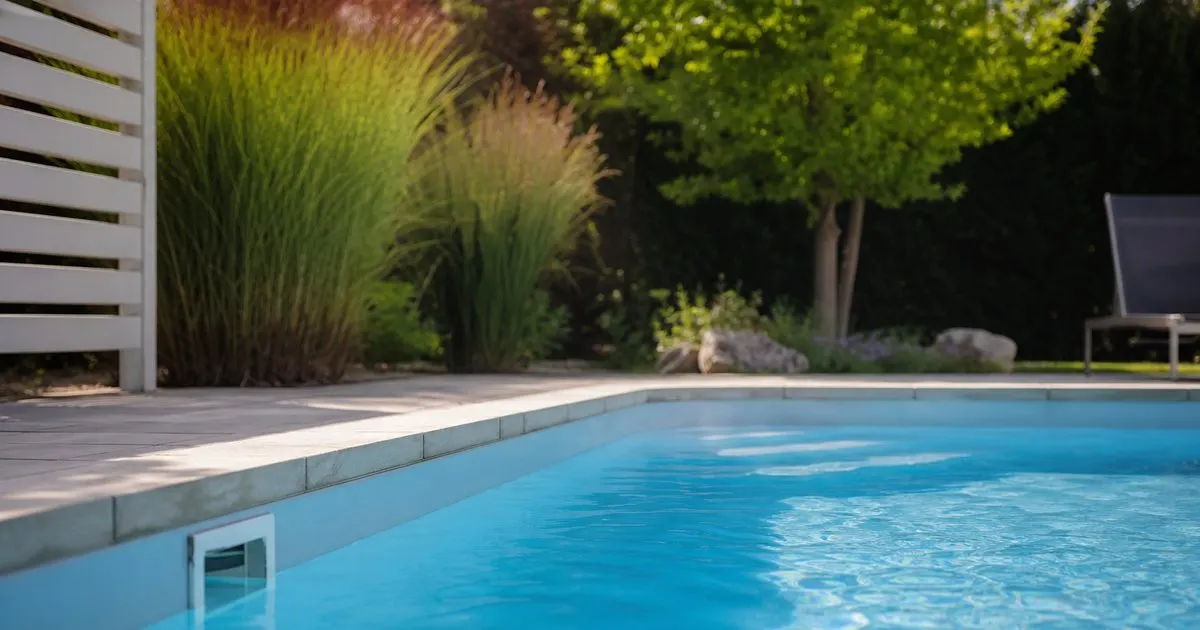
A photo of the pool at the end of the visit is the single most read element in any service report. It proves the visit happened, it shows the water is clear, and it gives the customer something to look at in five seconds. Take it from the same spot each week so changes are obvious. Add a photo of the equipment pad when something is worth showing: a leaking union, a pressure gauge in the red, a cracked pump lid. Related: What is the best way to log chemical readings at every pool stop?
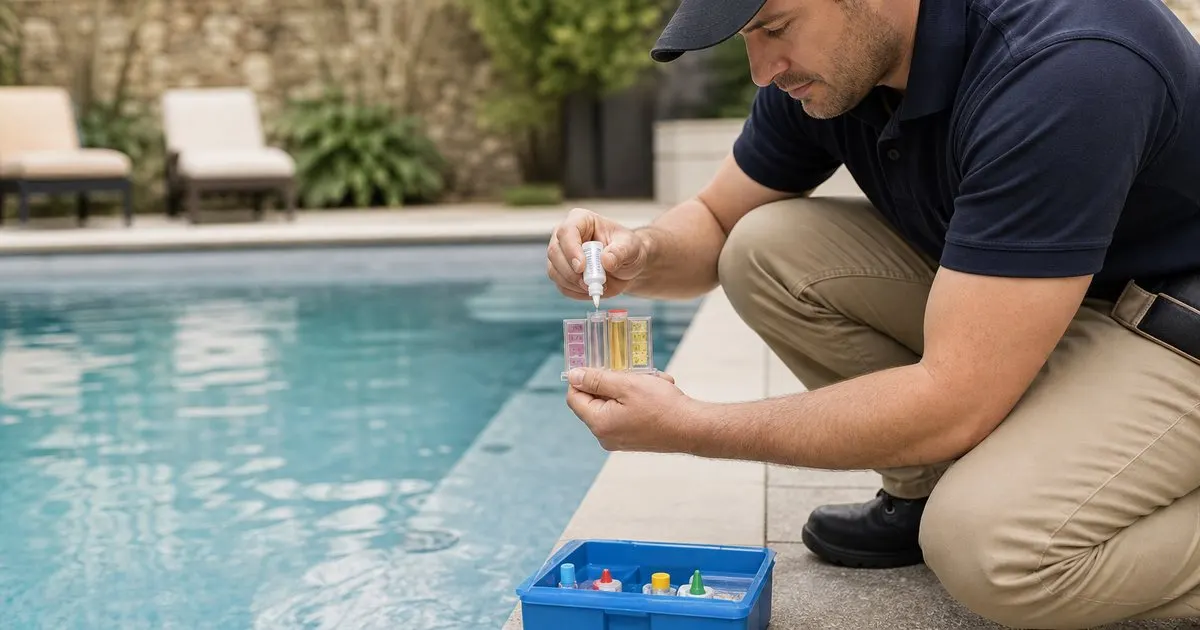
Readings should appear as a short, consistent list with the target range next to each one so the customer can see that a number is in range without knowing what alkalinity means. Color coding helps more than explanation does. Doses should be listed plainly (added liquid chlorine, added acid, with amounts), which also serves as your record if there is ever a question about what went into the water. Skip the internal notes; tech-to-office comments do not belong in the customer copy.
Make problems and recommendations impossible to miss
The report is where recommendations live, and they need to be separated visually from the routine details. A section headed something like Needs Attention that is empty most weeks trains the customer to notice when it is not. When it does contain something, include the what, the why, and the next step: what you found, what happens if it is ignored, and whether you need approval, a quote, or a scheduled visit.
Keep a running item visible until it is resolved. A pump seal you flagged three weeks ago should still show as open on this week's report, with the date it was first noted. That protects you when the pump fails and the customer asks why nobody said anything, and it gently reminds them that the decision is theirs. Software that tracks open items per pool does this automatically; on paper or in email it takes discipline, but it is worth the effort. Related: Why does free chlorine keep dropping between weekly pool service visits?
Send it fast, send it the same way every time
A report that arrives the same afternoon as the visit gets read. One that arrives in a weekly batch on Sunday night does not. Send it as soon as the stop is closed, through the channel the customer chose (text with a link, email, or a customer portal), and keep the format identical week to week so the customer's eye knows where to go. Consistency is what makes a thirty-second read possible.
Finally, watch what happens when a report is skipped. Customers who receive one weekly for a few months will notice immediately when it does not arrive, and will assume the visit did not happen. That is a good sign: it means the report has become part of the service in their mind. It is also the cheapest form of retention a route company has, since the customer sees value every single week instead of only when something goes wrong. Related: Which chemicals should a pool technician carry on a daily service route?
- Open with one sentence: when you came, the water's status, and whether the customer needs to act.
- A consistent end-of-visit photo is the most read element; add readings with target ranges below it.
- Give problems their own visible section and keep open items listed until resolved.
- Send the report the same day, in the same format, through the customer's chosen channel.

Julien Jimenez
Julien Jimenez is an independent software builder based in Paris. He designs, ships, and operates focused SaaS products for small businesses and independent professionals. Read the full author page.
Every Pool, Every Reading, On Route
Pool service route scheduling and chemical logs. PoolTendr is built to help you put this into practice.
Start free trialMore from the PoolTendr blog
How do you balance pool water chemistry on a weekly service route?

What is the best way to log chemical readings at every pool stop?
Why does free chlorine keep dropping between weekly pool service visits?
Get the PoolTendr playbook
Practical guides on pool service software, straight to your inbox as we publish them. No spam, unsubscribe any time.